ratiba
Timetabling, solved in minutes.
The problem
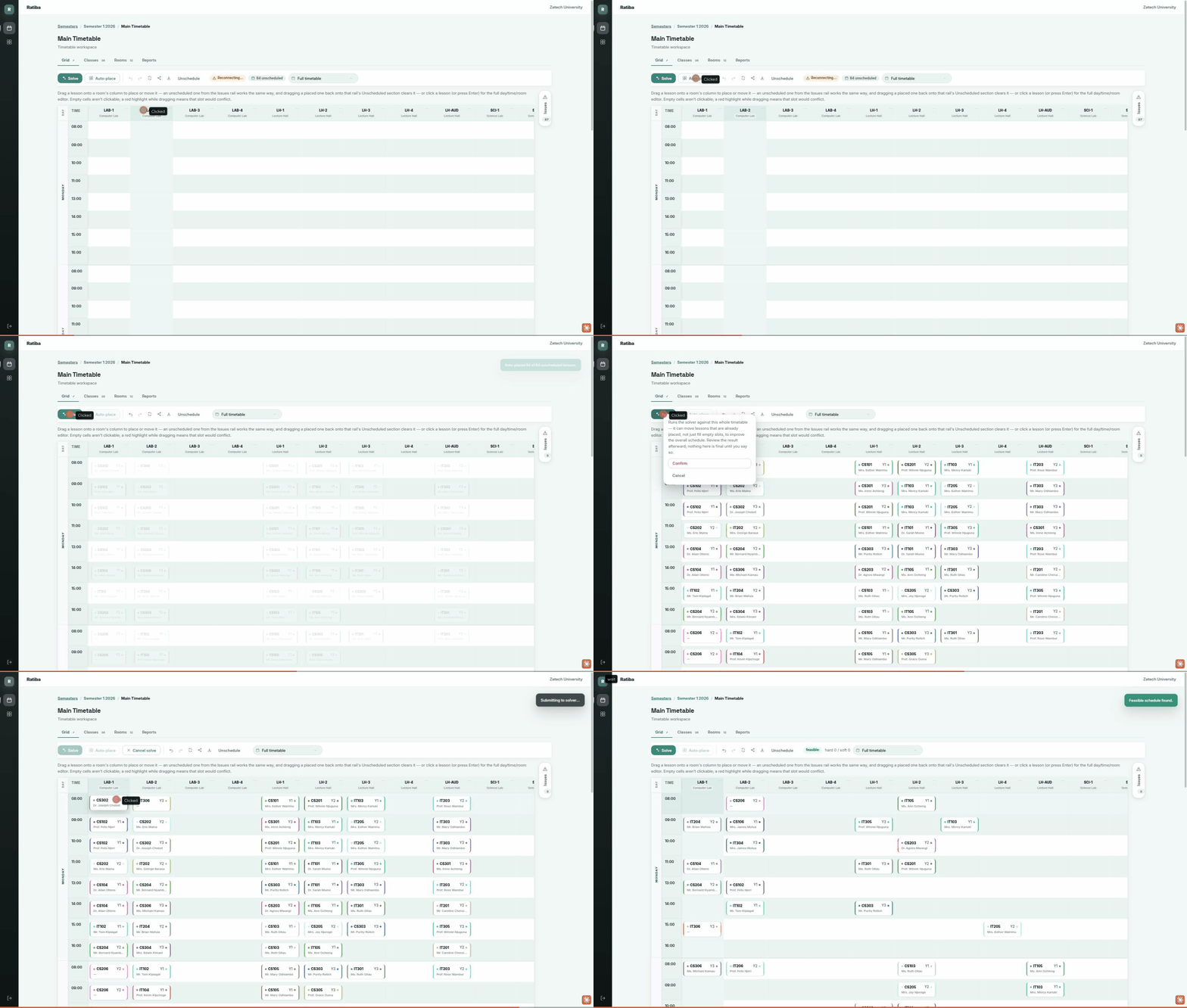
Scheduling a university’s lectures is brutal. Excel sheets. Manual conflict resolution. Last-minute disasters when a room double-books. Days of work before semester starts.
What ratiba does
You upload your courses, lecturers, rooms, and constraints. You watch lectures get placed in real time, conflicts get resolved, constraints get optimized. The whole schedule, solved in minutes.
What you get
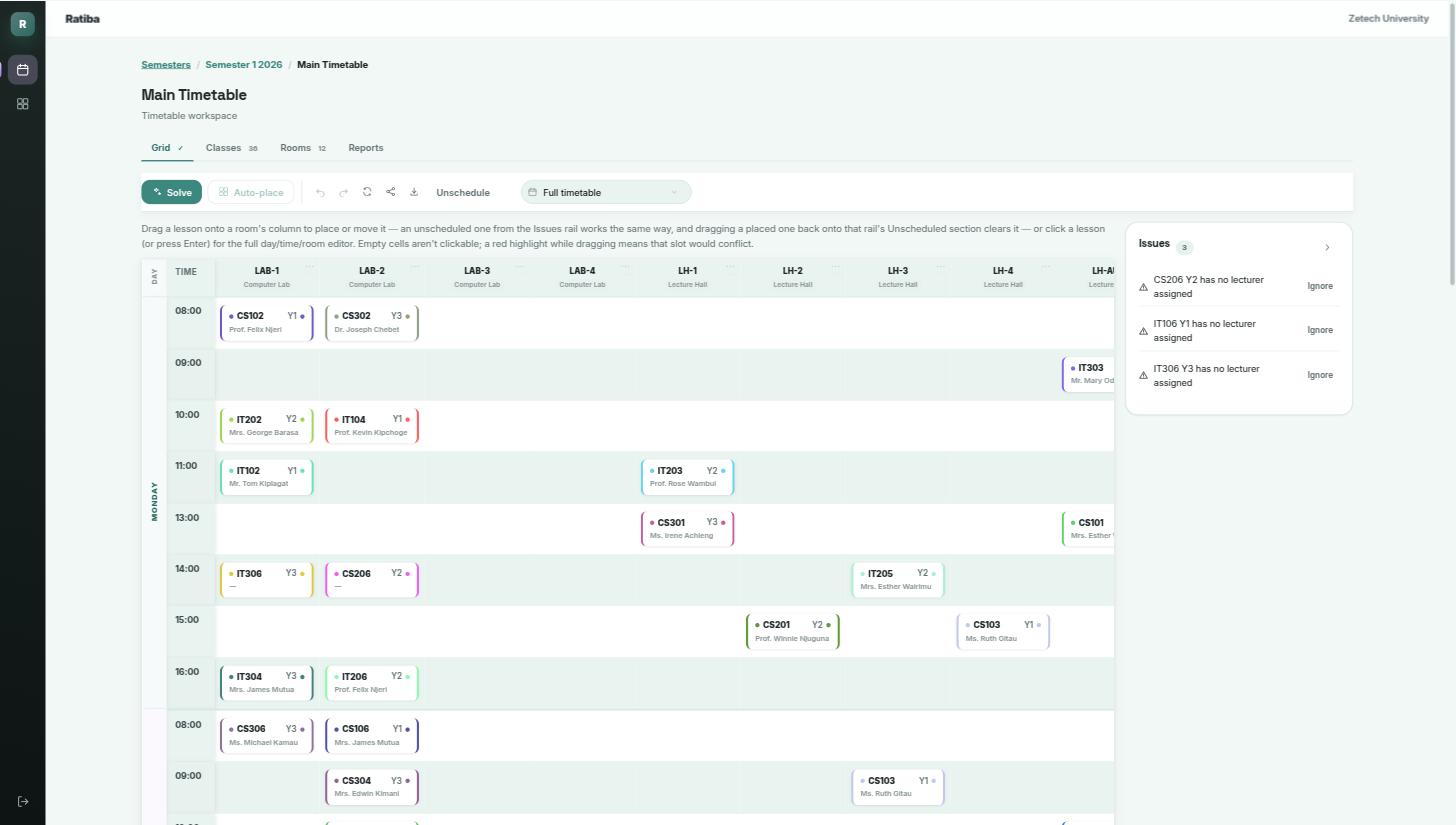
Automatic conflict resolution. The solver handles every room and lecturer clash for you, so semester start is routine instead of a crisis.
See your exact room and lecturer capacity. A utilization report shows how many of each room’s slots are filled and how many sessions each lecturer is carrying—the numbers your facilities and finance teams need.
Real-time transparency. You watch the schedule being built. You can see why a particular lecture got scheduled at 9 AM Tuesday and understand the reasoning.
Every constraint you care about. Room sizes. Lecturer availability—including keeping your busiest lecturers scheduled only in the hours they’re free. Courses that must stay separate. Lunch breaks. Whatever matters to your university—you define it.
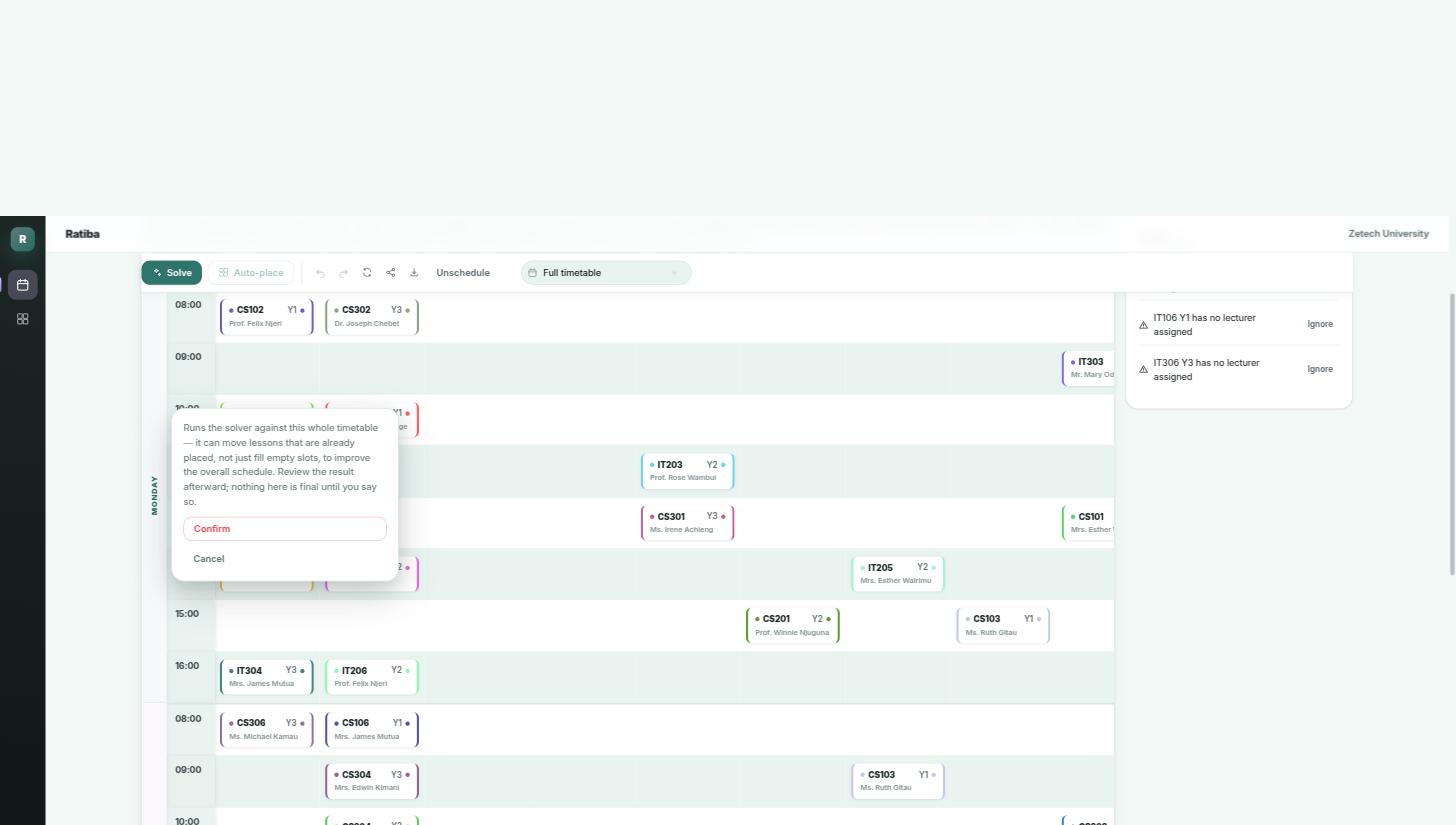
Full control. Want a different placement? Lock that lecture to a specific time and the solver regenerates everything else around your choice.
What makes it different
Ratiba is a real constraint solver, and it shows in ways you can actually see:
- Every placement is conflict-free by construction. Room and lecturer double-bookings are enforced at the data layer, the moment a lesson is placed.
- Watch it solve, live. Lessons land on the grid the instant the solver finds them, so you see real progress as it happens.
- Lock in a placement and keep moving. The solver optimizes everything else around your choice, respecting it as it re-solves.
- A dedicated issues rail surfaces every unscheduled class, missing-lecturer gap, and clash in one place, ready to act on.
Share a schedule instantly
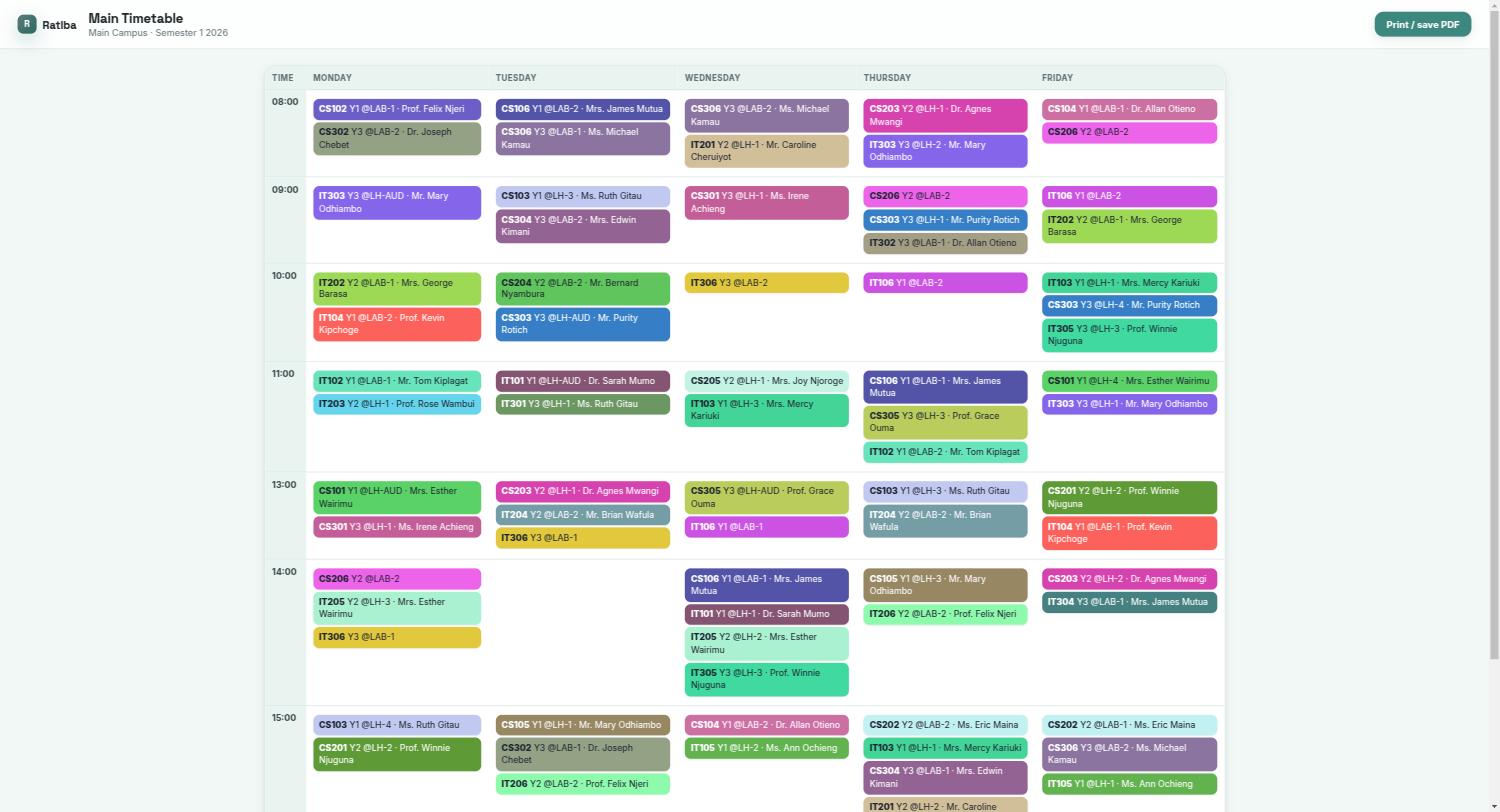
Publish a read-only link to any timetable — students and lecturers open a clean, printable schedule immediately. Works as a webpage, a one-click PDF, or a subscribable calendar feed for whoever wants it on their own calendar app. Subscribe once, and your calendar app pulls in changes automatically—no more missed classes from a stale printout on the noticeboard.
Works the way your registrars already do
Runs entirely in the browser — open a link and it’s ready. Set up a semester from the registrar’s office, check on it from home, or pull up a room’s schedule from a phone between buildings.
Admin portal
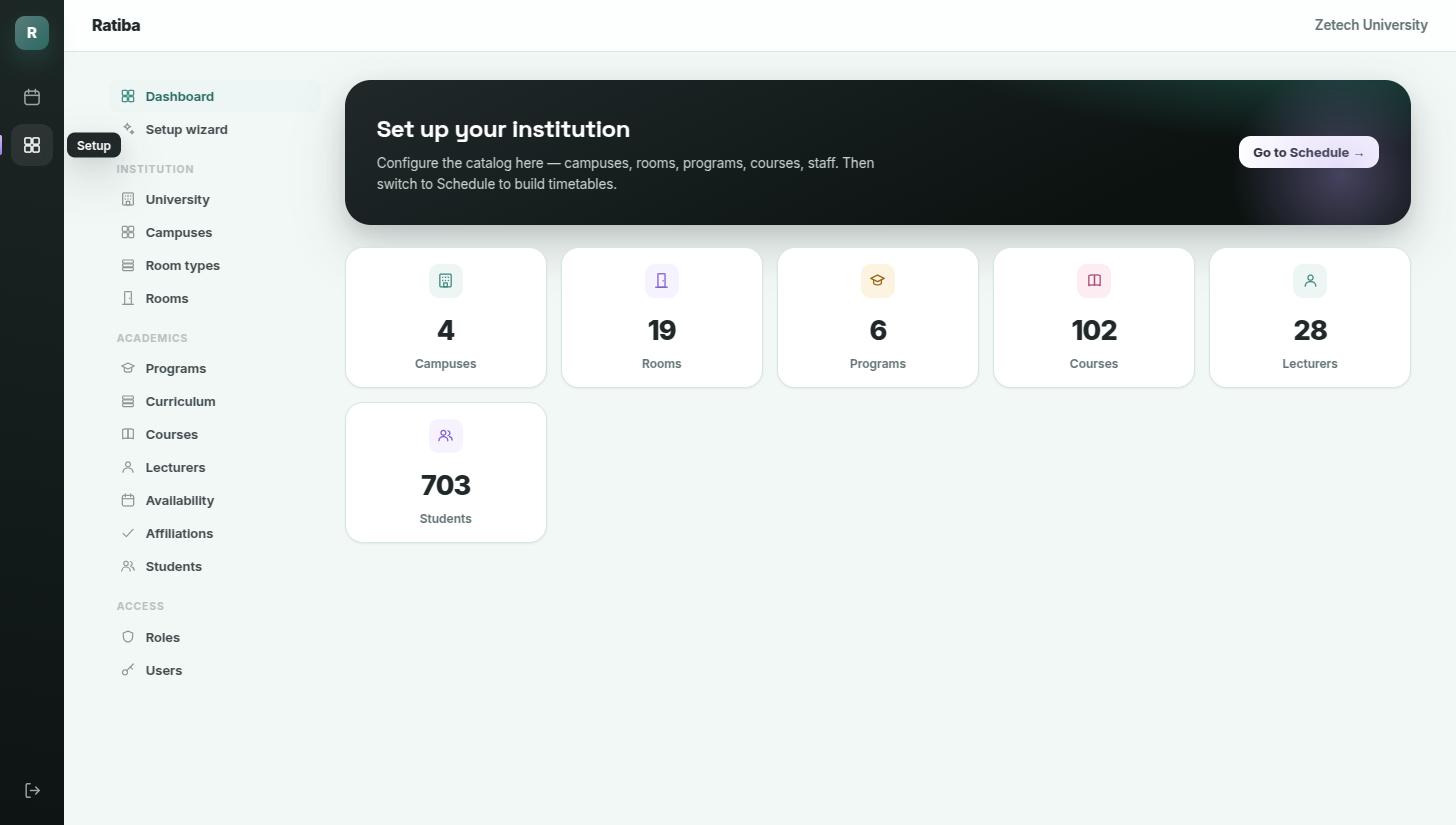
Full CRUD for every entity: universities, campuses, semesters, programs, year groups, courses, rooms (with capacity and GPS coordinates), lecturers, students, classes, timetables. Add them through the guided setup wizard or manually. Every list has search, sortable columns, pagination, and CSV import/export — bring your existing spreadsheets straight in.
Pricing
Every university’s course catalogue, room inventory, and constraints are different, so we price per institution rather than a one-size-fits-all tier. A quote splits into two parts: a one-time onboarding & data migration fee (setting up your campuses, rooms, and constraints, and mapping in your existing spreadsheets), and an annual license based on your student and program count.
We recommend starting with a single faculty or department for one semester, then rolling out campus-wide once it’s proven there. Get in touch with a rough sense of your student count and program count and we’ll scope a quote—for a single department or the whole institution.
Try it now: Live demo — sign-in credentials are shown right on the login page, so you can log straight in. Talk to us about pricing for your university once you’ve had a look around.